










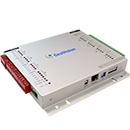

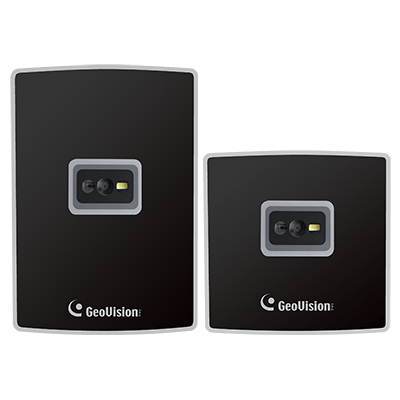
GV-QR1352
QR Code & Dual-band RFID Reader
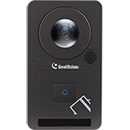
GV-QR1352 is a QR code reader equipped with RFID reading functionality. As part of the GeoVision mobile access solution, it enables door access by scanning QR codes displayed on smartphones. Its RFID module supports dual-band frequencies—125 kHz and 13.56 MHz—while the Wiegand interface allows seamless integration with standard access control systems.
GV-ASManager Integration
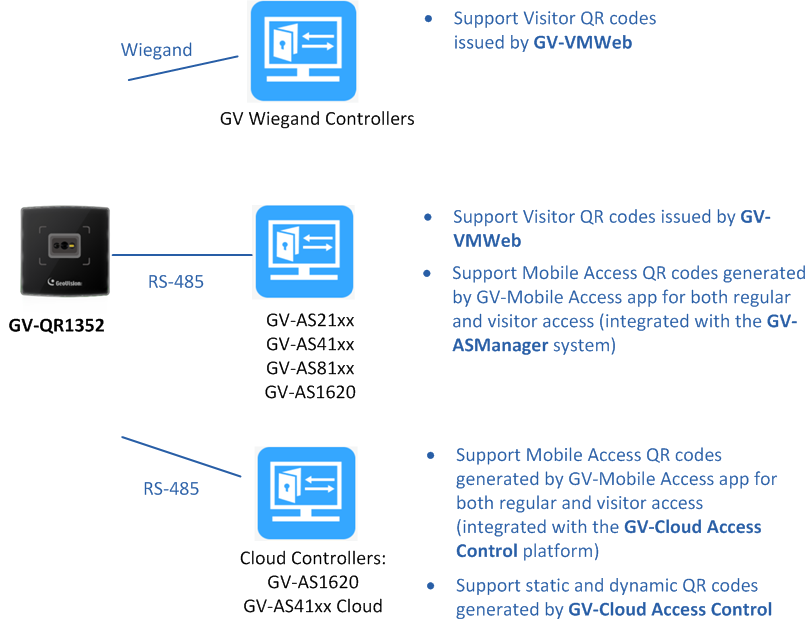
GV-QR1352 supports two types of QR codes for diverse access control scenarios:
GV-Cloud Access Control Integration
GV-QR1352 also supports QR codes and mobile cards issued via GV-Cloud Access Control, enabling both visitor access and long-term credential management through cloud-based provisioning.
With its versatile functionality and integration flexibility, GV-QR1352 is an ideal choice for system integrators looking to incorporate mobile access into existing access control infrastructures.
GV-ASManager Integration
GV-QR1352 supports two types of QR codes for diverse access control scenarios:
- Mobile access QR codes generated by the GV-Mobile Access app, used for ongoing or visitor access in offices, campus buildings, and similar facilities.
- Single-use QR codes issued by GV-ASManager’s Visitor Access Management System (GV-VMWeb), ideal for temporary access control in environments such as event venues or meeting room reservations.
GV-Cloud Access Control Integration
GV-QR1352 also supports QR codes and mobile cards issued via GV-Cloud Access Control, enabling both visitor access and long-term credential management through cloud-based provisioning.
With its versatile functionality and integration flexibility, GV-QR1352 is an ideal choice for system integrators looking to incorporate mobile access into existing access control infrastructures.
- Dual band frequency: 125 kHz, 13.56 MHz
- Two communication interfaces: Wiegand, RS-485
- Flush-mounted design for US and EU compatible
- QR code support for contactless access
- MIFARE® DESFire® card support
- 支援GV門禁卡或鑰匙圈
- Support for QR codes (visitor access) and mobile cards (ongoing access) issued via GV-Cloud Access Control
Note:
- RS485 interface only supports GeoVision controllers, while Wiegand interface supports both GeoVision and 3rd party controllers (Wiegand 26-bit or 34-bit format).
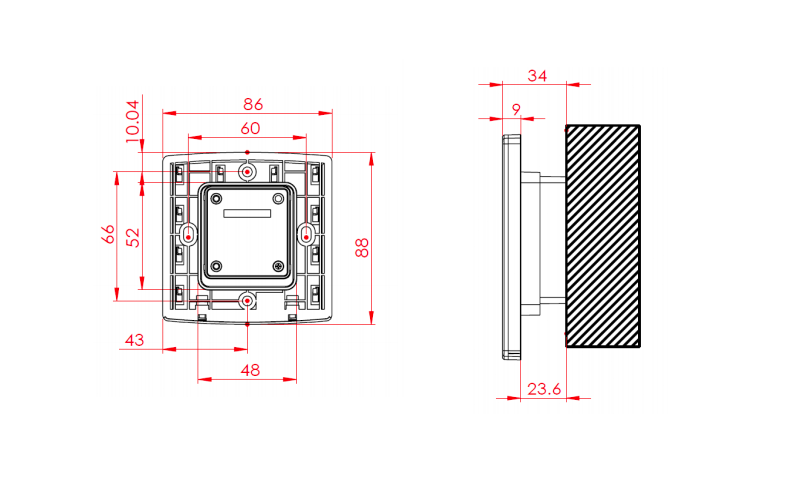
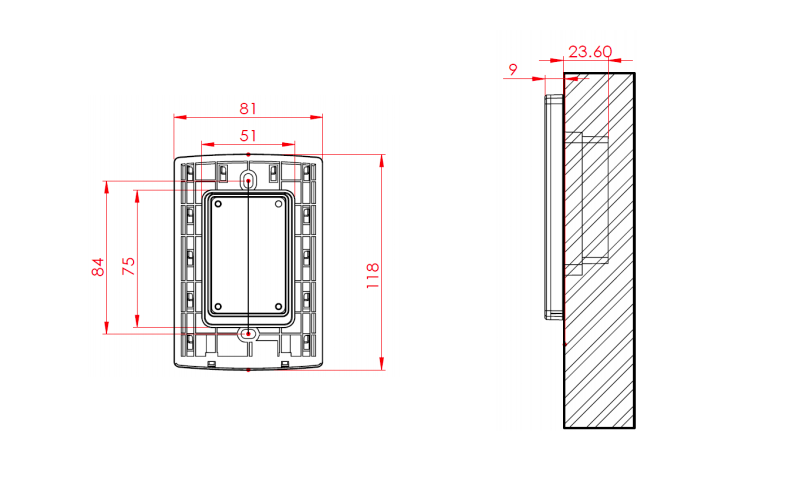
- The unit of measurement for Overview figures is millimeter (mm).
- Specifications are subject to change without notice.
Note:
- RS485 interface only supports GeoVision controllers, while Wiegand interface supports both GeoVision and 3rd party controllers (Wiegand 26-bit or 34-bit format).
- The unit of measurement for Overview figures is millimeter (mm).
- Specifications are subject to change without notice.
| Model No | Name | Details | |
|---|---|---|---|
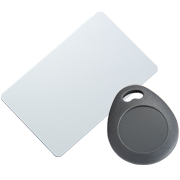
| GV-門禁卡 & GV-門禁鑰匙圈 | GV-AS ID卡 / 鑰匙圈 / eTag電子標籤,支援125 kHz規格 | ||
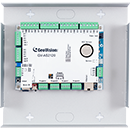
| GV-COM V3 | 透過 USB 連接至 GV-Tower DVR/NVR 系統後,將擴充 1 組 RS-485 串列通訊埠 | ||
| GV-WTR |
|
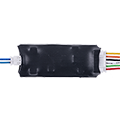
GV‐WTR is a Wiegand and RS‐485 converter. It enables 3rd party readers and certain GV readers (e.g. GV‐RU9003, GV‐QR1352 / DES1352) to connect to RS‐485 GV controllers, as well as allowing GV‐AI FR (face recognition software) and GV‐CR1320 (RS‐485 reader) to connect to 3rd‐party Wiegand controllers. | |
| GV-Reader Weather Cover |

|
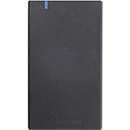
Waterproof Cover for GV Readers | |
- GV-QR1352 (US / EU)
- Bottom Cover
- Hex Socket Flat Head Cap Screw (M3 x 8) x 2
- Allen Key (2 mm, 48 x 15 mm)
- Terminal Cable x 2
- Mounting Plate (US / EU)
- Heightening Mount Bracket (US)
Note:
- RS485 interface only supports GeoVision controllers, while Wiegand interface supports both GeoVision and 3rd party controllers (Wiegand 26-bit or 34-bit format).
- The unit of measurement for Overview figures is millimeter (mm).
- Specifications are subject to change without notice.
Note:
- RS485 interface only supports GeoVision controllers, while Wiegand interface supports both GeoVision and 3rd party controllers (Wiegand 26-bit or 34-bit format).
- The unit of measurement for Overview figures is millimeter (mm).
- Specifications are subject to change without notice.
| Model No. | Ordering Part No. | Description | SKU No. |
|---|